FAQ
What is the xTool M2 Color Craft Laser Cutter & Engraver?
The xTool M2 is an enclosed desktop machine that combines CMYK inkjet printing, diode laser cutting, laser engraving, and optional infrared metal engraving. It is designed for crafters, small businesses, schools, and makers who need print-then-cut and engraving workflows in one device.
Can the xTool M2 print in full color?
Yes. With the optional CMYK inkjet module, the M2 prints full-color designs with true black on compatible materials including paper, cardstock, sticker paper, wood, canvas, fabric, felt, leather, and glass.
What is the difference between the xTool M2 and a Cricut-style cutter?
A Cricut-style machine cuts pre-printed material using a blade, while the M2 can print in color and use a laser to cut, engrave, and mark materials. The M2 also supports wood, acrylic, leather, felt, rubber, glass, ceramic, and metal engraving with the appropriate module.
What materials can the xTool M2 cut?
The M2 can cut wood, opaque acrylic, paper, cardstock, cardboard, foam, MDF, leather, and felt. Cutting capacity depends on the laser module: the 10W module cuts up to 8 mm basswood, while the 20W module cuts up to 10 mm basswood in one pass.
Can the xTool M2 engrave metal?
Yes. The blue diode laser can engrave plated metal, while the optional 3W infrared laser module supports engraving on stainless steel, aluminum, and plated metal.
How large is the xTool M2 work area?
The 10W and 20W laser modules offer a 16.7" × 12.6" work area. The 3W infrared module offers a 16.2" × 12.2" area, and inkjet printing supports an 11.8" × 11.5" area.
Does the xTool M2 need an external air assist pump?
No. The M2 includes a built-in air pump with adjustable output for cleaner cuts and engraving. It does not support connecting a third-party external air pump.
Is the xTool M2 safe for home use?
Yes. The M2 uses an enclosed, TÜV SÜD-certified Class 1 laser safety design, making it appropriate for home studios and educational environments when operated according to the manufacturer’s instructions.
Can the xTool M2 engrave tumblers?
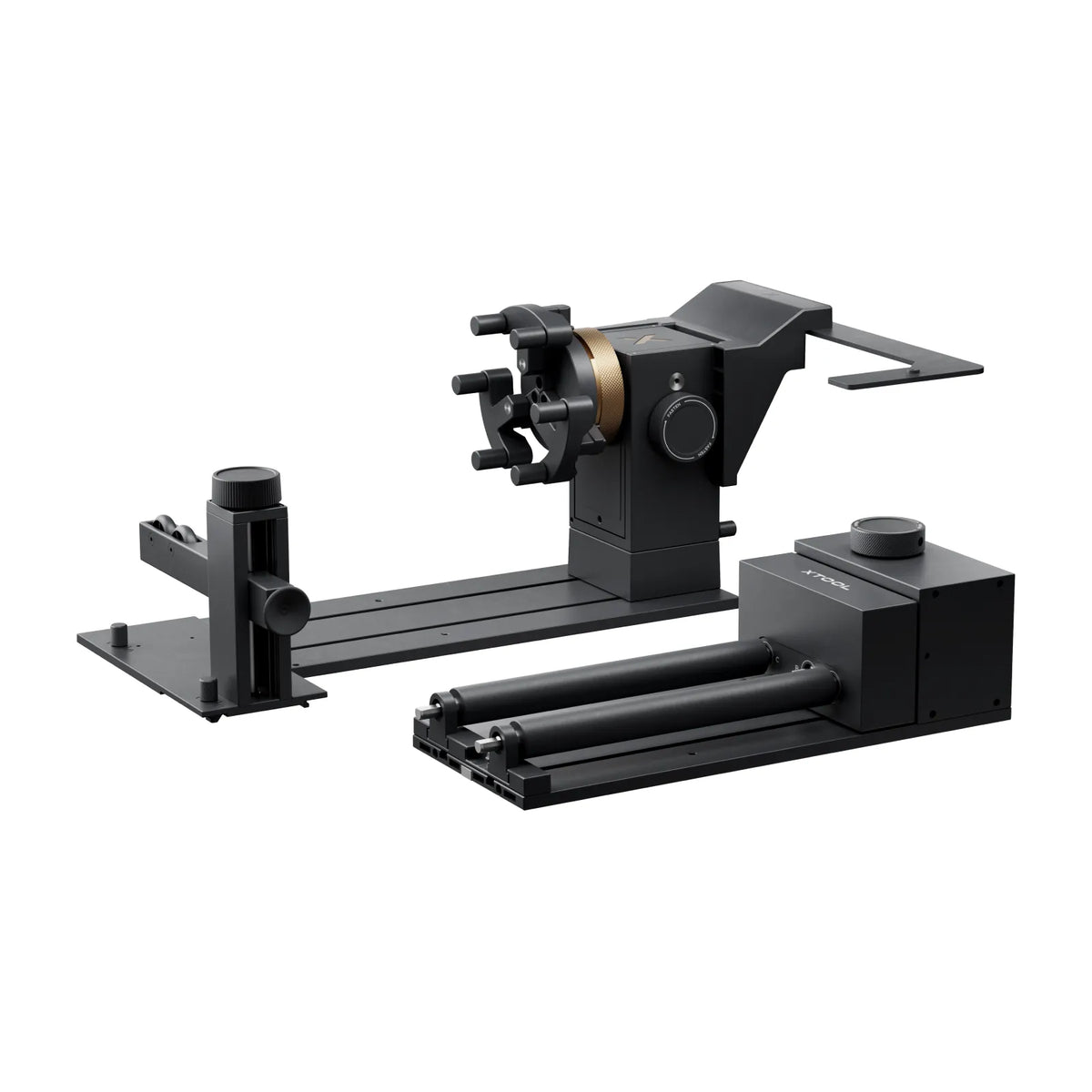
Yes. The M2’s horizontal laser output supports rotary engraving on objects from 0 to 100 mm in diameter, including tumblers, balls, and rings, without requiring a riser base.
What software does the xTool M2 use?
The M2 uses xTool Studio and connects through USB or Wi-Fi. It supports SVG, DXF, JPG, JPEG, PNG, and BMP files on Windows and macOS.
Does the xTool M2 come assembled?
Yes. The M2 is pre-assembled and designed for out-of-the-box setup.