

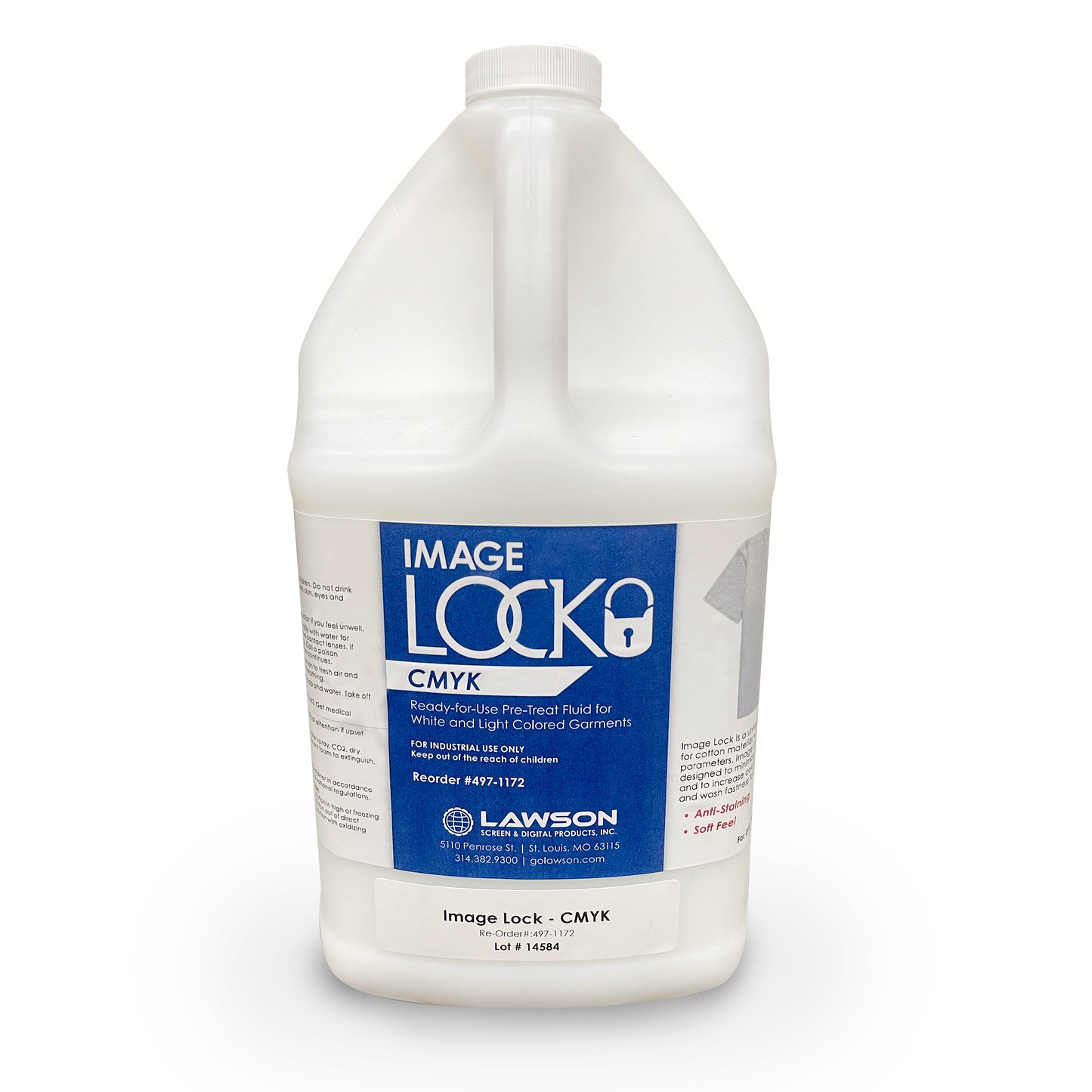
Image Lock - CMYK Pretreat Solution
Image Lock - CMYK Pretreat Solution
Couldn't load pickup availability
Payment & Security

Your payment information is processed securely. We do not store credit card details nor have access to your credit card information.
- DESCRIPTION
Image Lock - CMYK Pretreat Solution | Better Colors and Less Cracking
No longer is your choice only DuPont for a good pretreat solution. Lawson Workhorse Group (LWG)’s Image Lock - CMYK, is used when printing on white and light colored cotton garments. It has the latest cutting-edge formulation. Image Lock - CMYK is not just a repackage of older formulations, but a new product matched to the latest DTG ink formulations. Try it once and if the quality doesn't change your mind (better wash-fastness, brighter colors, and less cracking), the price and consistency of the product will.
Important Application Directions: Image Lock - CMYK can be applied with any automatic spray unit, like the Lawson Workhorse Group (LWG) Pre-Treat Zoom-AE, or any automatic spray system, or can be applied by hand with a mist sprayer, pump sprayer, airbrush or garden sprayer, etc. Spray an even coat of pretreat solution in the print location. Do not over saturate the garment. Dry pretreat solution with a Heat Transfer Press, or a specialized conveyor dryer (like the Lawson Workhorse Group (LWG) Pioneer/Digi-Star or Omega System 3 Dryer, or Digi-Dry Box). In general, lighter garment colors require less pretreatment than dark garments. Garments can be pretreated in advance in batches before final printing.
Curing: When using a heat transfer press to dry, DO NOT use a Teflon sheet or silicone treated parchment paper to protect the garment, and DO NOT clamp the heat transfer press too tight. Simply lower the press to set on top of the garment and use a plain paper (or non-silicone treated parchment) as a protective sheet. Press the garment for 10 seconds at 330°F. Remove the pretreatment paper and then press for an additional 15 - 20 seconds with heavy pressure!
Curing Finished Print: Fully printed shirts must be heat cured at 330°F (165°C) for at least 60 to 180 seconds (depending on the shirt color and ink you are using) with a heat transfer press, using medium to heavy pressure with silicone treated parchment paper cover; heat transfer paper; or for glossy prints, a Teflon sheet - or you can cure through the Lawson Workhorse Group (LWG) Digi-Dry Box, or Digi-Star Conveyor Dryer.
Warning: It is VERY IMPORTANT that the print head does NOT touch a pretreated garment or a chemical reaction can take place in the print head and permanently clog it. Always check the print head and garment clearance before printing. Handling: Occasional use of this product can be done without personal protective equipment. For continued application by hand, use goggles, rubber gloves and vapor mask for user comfort and protection. USE ADEQUATE VENTILATION WHEN USING THIS PRODUCT.
Storage: Keep tightly capped in a cool, 50-100°F (19-38°C) area.
Washability: Wash garments inside-out in cold water using a delicate setting on dryer.
Features:
*Use with 100% Cotton Garments
*Provides Brighter Colors (CMYK) when printing on white and light colored garments
*Improves Wash-Fastness
Additional Information
Click here for Pretreat Application and Use Instructions.
- Choosing a selection results in a full page refresh.
- Opens in a new window.