Choosing a DTF Printer for Your Business
A DTF printer produces designs on transfer film for application to compatible garments using adhesive powder, curing, heat, and pressure. Direct-to-film printing can support custom shirts, workwear, team apparel, promotional clothing, and transfers produced for other decorators.
The right printer depends on more than its advertised speed. Compare printable width, print settings, maintenance requirements, software, workspace, and the capacity of the complete production workflow.
Desktop, Commercial, and Industrial DTF Printers
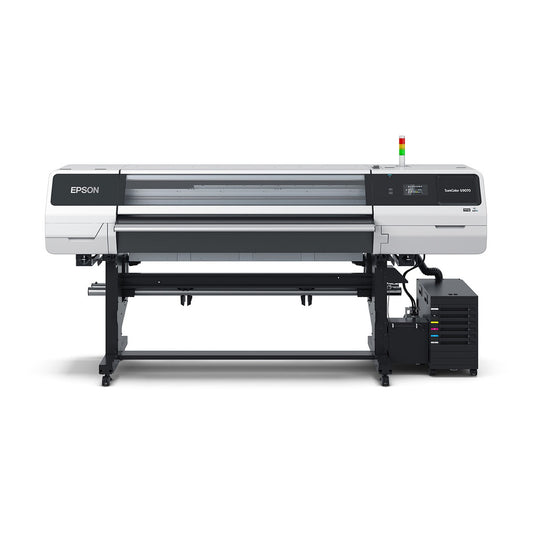
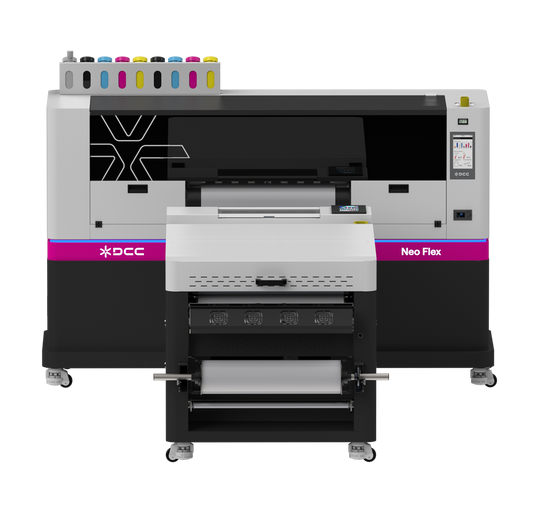
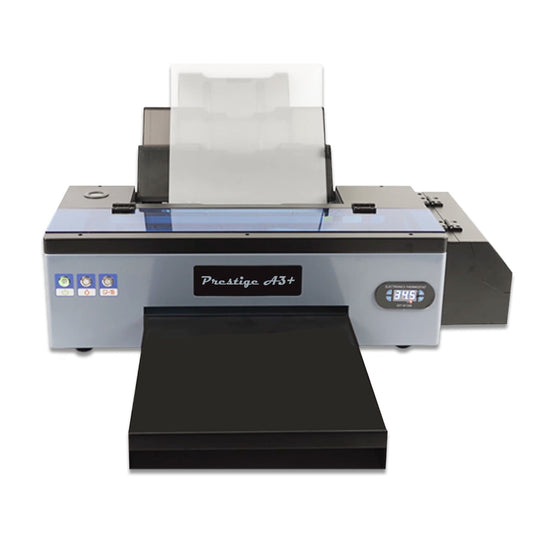
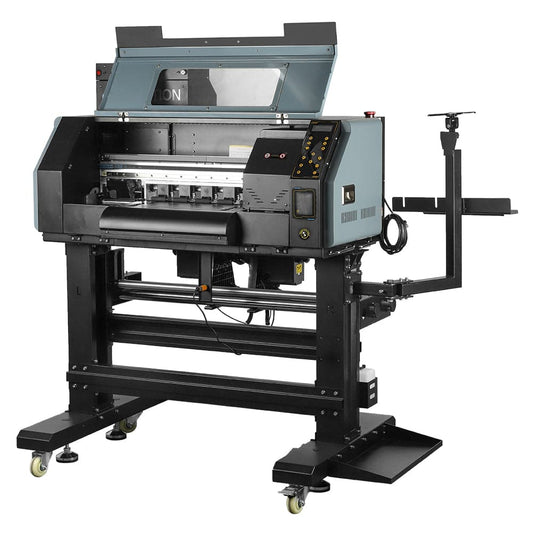
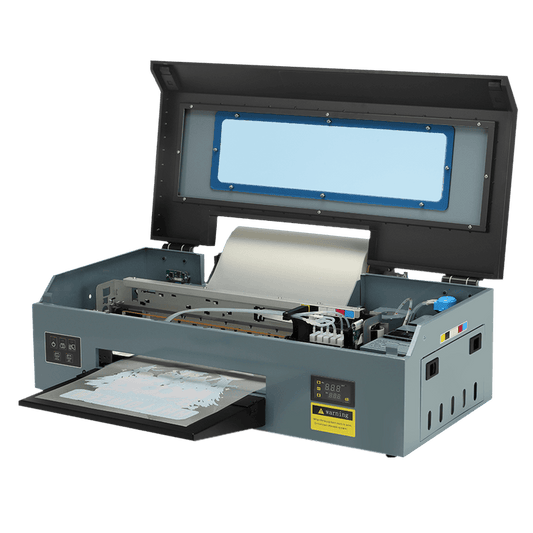
Compact desktop printers can suit smaller artwork and lower-volume production. Wider commercial and industrial systems provide room for larger designs and multi-design gangsheet layouts.
For example, the Prestige R1 and R2 Pro are 13-inch models, while the Prestige XL series and X6 provide wider-format options. Compare the specifications of the individual model rather than assuming every printer in a category has the same capabilities.
A printer's nominal size may differ from its maximum printable width. Check the technical specifications before planning artwork or choosing supporting equipment.
Printer-Only Options and DTF Packages
A printer-only configuration may suit a business that already owns compatible supplies and supporting equipment. A package can add selected components such as supplies, a powder shaker and dryer, a curing oven, extraction equipment, software, or training.
Package names are not complete packing lists. Confirm the exact equipment models, consumable quantities, software licenses, accessories, and training included in your selection.
If you are starting from scratch, compare the package against the entire workflow rather than assuming a package labeled “complete” includes everything your business needs.
Equipment Needed for DTF Production
A typical garment-transfer workflow includes a DTF printer, compatible ink and film, adhesive powder, powder application, curing, and a suitable heat press.
Supporting equipment must match the printer and intended workload. A faster printer does not automatically increase finished-transfer output if powder application, curing, or pressing creates a bottleneck.
Review space, electrical requirements, environmental conditions, and ventilation or extraction requirements for every component before installation.
Comparing Printing Speed and Daily Output
Compare speeds at the stated pass count and resolution. A printer's maximum speed may not represent the settings you intend to use for customer orders.
Daily-output figures may be based on a particular gangsheet size and an eight-hour working day. They describe printed sheets, not necessarily finished transfers or decorated garments.
Actual production depends on artwork layout, maintenance, material handling, powder application, curing, and transfer pressing.
Ink Configuration and Color Requirements
Some DTF printers use CMYK plus White, while expanded-color models add other color inks. Review the specific ink configuration rather than relying only on a color-count label.
Additional inks can support broader color reproduction, but they do not guarantee an exact match to every brand color. Artwork, RIP settings, profiling, consumables, and application conditions influence the final result.
Maintenance and Operating Costs
DTF printers require regular care, particularly for white-ink and printhead systems. Automatic cleaning and ink circulation assist maintenance but do not make a printer maintenance-free.
Include ink, film, powder, cleaning materials, software, electricity, operator time, and potential service costs in your purchasing decision. Review the manufacturer's maintenance instructions and warranty exclusions before ordering.
Choosing DTF Equipment with Lawson Workhorse Group
LWG offers DTF printers, equipment packages, supplies, training resources, and financing information. Discuss your intended artwork, production volume, available space, and existing equipment before selecting a system.
Installation, training, support, financing, and warranty terms vary by equipment and purchase arrangement. Confirm the details applicable to your order with LWG.
Collection FAQs
What is a DTF printer?
A DTF printer prints designs onto transfer film using compatible DTF inks. Adhesive powder is applied and cured before the design is transferred to a compatible garment using a heat press.
Which DTF printer should I choose for my business?
Start with your artwork dimensions, expected production volume, workspace, and budget. Then compare printable width, print-mode speeds, maintenance requirements, software, supporting equipment, and package contents. Consider the capacity of the complete workflow, not just printer speed.
What is the difference between a desktop and a commercial DTF printer?
Desktop models generally provide a more compact format for smaller artwork and production requirements. Commercial systems can offer wider media handling and production-focused equipment configurations. Compare individual model specifications because capabilities vary.
What is included in a DTF printer package?
Inclusions depend on the selected configuration. A package may include supplies, software, powder application equipment, curing equipment, extraction equipment, or training. Review the exact inclusion list before ordering.
Do I need a powder shaker and dryer?
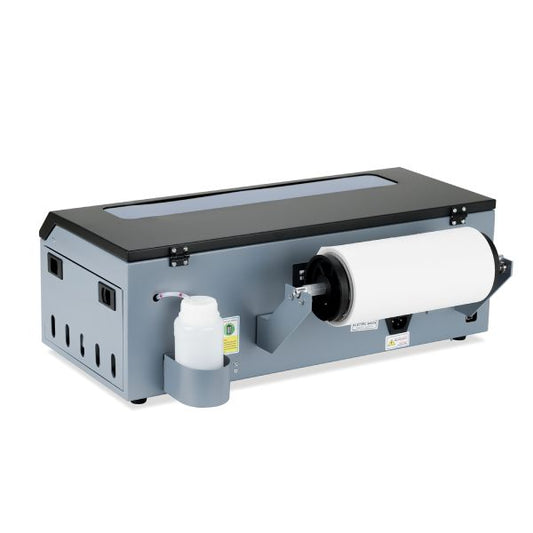
You need a compatible method for applying adhesive powder and curing it. An automated shaker and dryer can support roll-fed production, while some smaller workflows use manual powder application and separate curing equipment. Confirm the recommended setup for your printer and consumables.
Do I need a heat press for DTF printing?
A suitable heat press is needed to apply finished DTF transfers to compatible garments. Do not assume it is included with the printer or package. Check the inclusion list and application requirements.
Can DTF transfers be applied to cotton and polyester?
DTF transfers are commonly used on cotton, polyester, and blends when compatible consumables and application settings are used. Test the specific garment, especially coated, heat-sensitive, or dye-migration-prone materials, before production.
What heat press settings should I use?
Follow the instructions for your film, powder, transfer system, and garment. Temperature, time, pressure, peel method, and any finishing press vary. There is no single setting appropriate for every DTF transfer and fabric.
Does a DTF printer require maintenance?
Yes. White-ink circulation, automatic cleaning, and capping features assist operation but do not replace routine maintenance. Follow the manufacturer's procedures and confirm requirements before purchasing.
How should I compare DTF printing speeds?
Compare figures at the listed pass count and resolution. Check whether daily-output estimates use a particular sheet size or working-day length. Printed sheets per day are not the same as completed garments per day.
Does LWG offer training and technical support?
LWG provides training and support resources. Included services depend on the model, selected package, and purchase arrangement. Confirm training format, scheduling, and support terms before ordering.
Is financing available for DTF equipment?
LWG publishes equipment financing information. Contact LWG or review the financing page for current options, application requirements, and approval terms.
What warranty comes with a DTF printer?
Warranty coverage varies by manufacturer and model. Review the applicable duration, start date, covered components, and exclusions. Printheads and ink-system components may have different coverage or be excluded.

 SaleVendor:DTF Station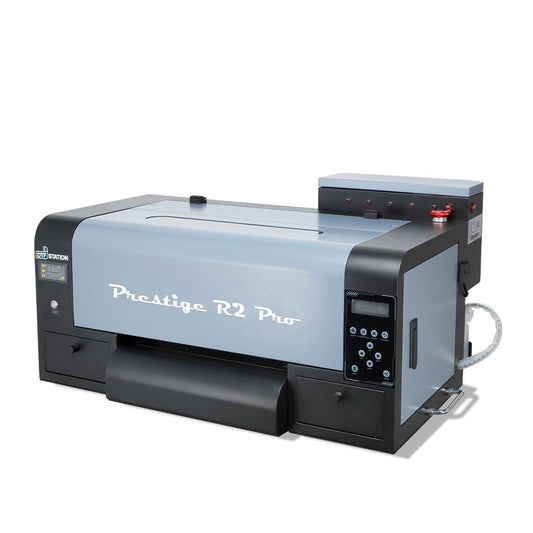
 Vendor:DTF Station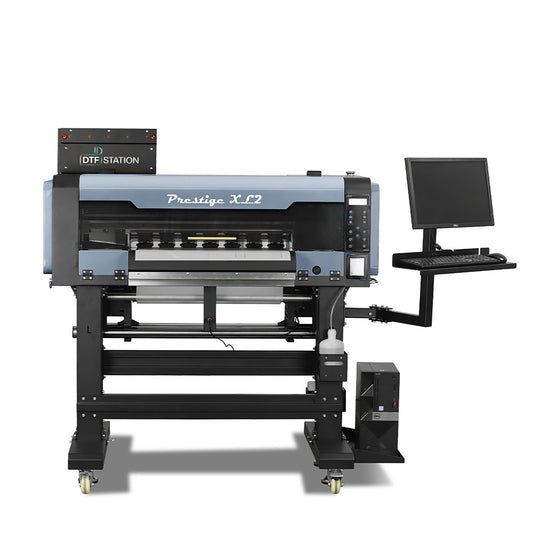
 Vendor:DTF Station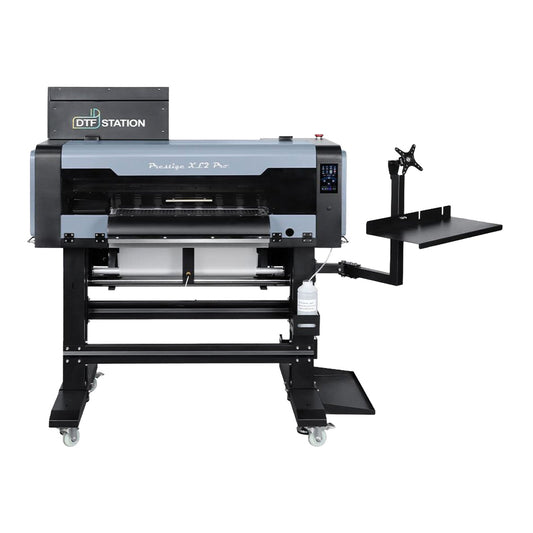
 Vendor:DTF Station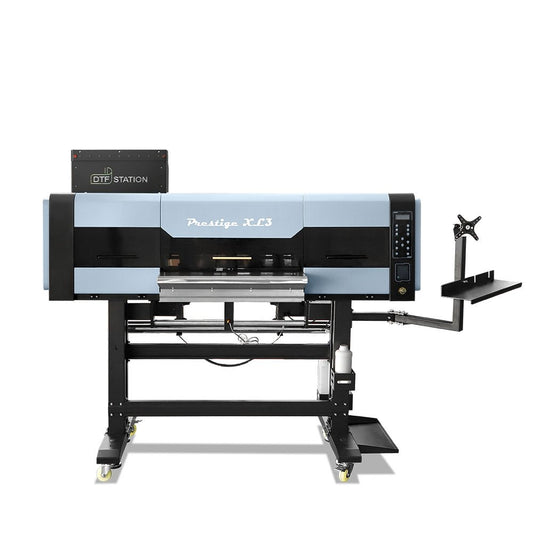
 Vendor:DTF Station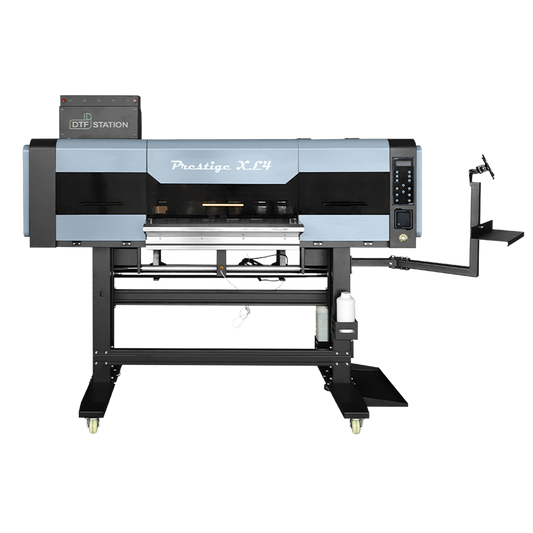
 Vendor:DTF Station
 Vendor:DTF Station
 SaleVendor:DTF Station
 SaleVendor:Xtool
 SaleVendor:Epson